
Job Sites · v0.2.1
Let Workbench work on your own computers
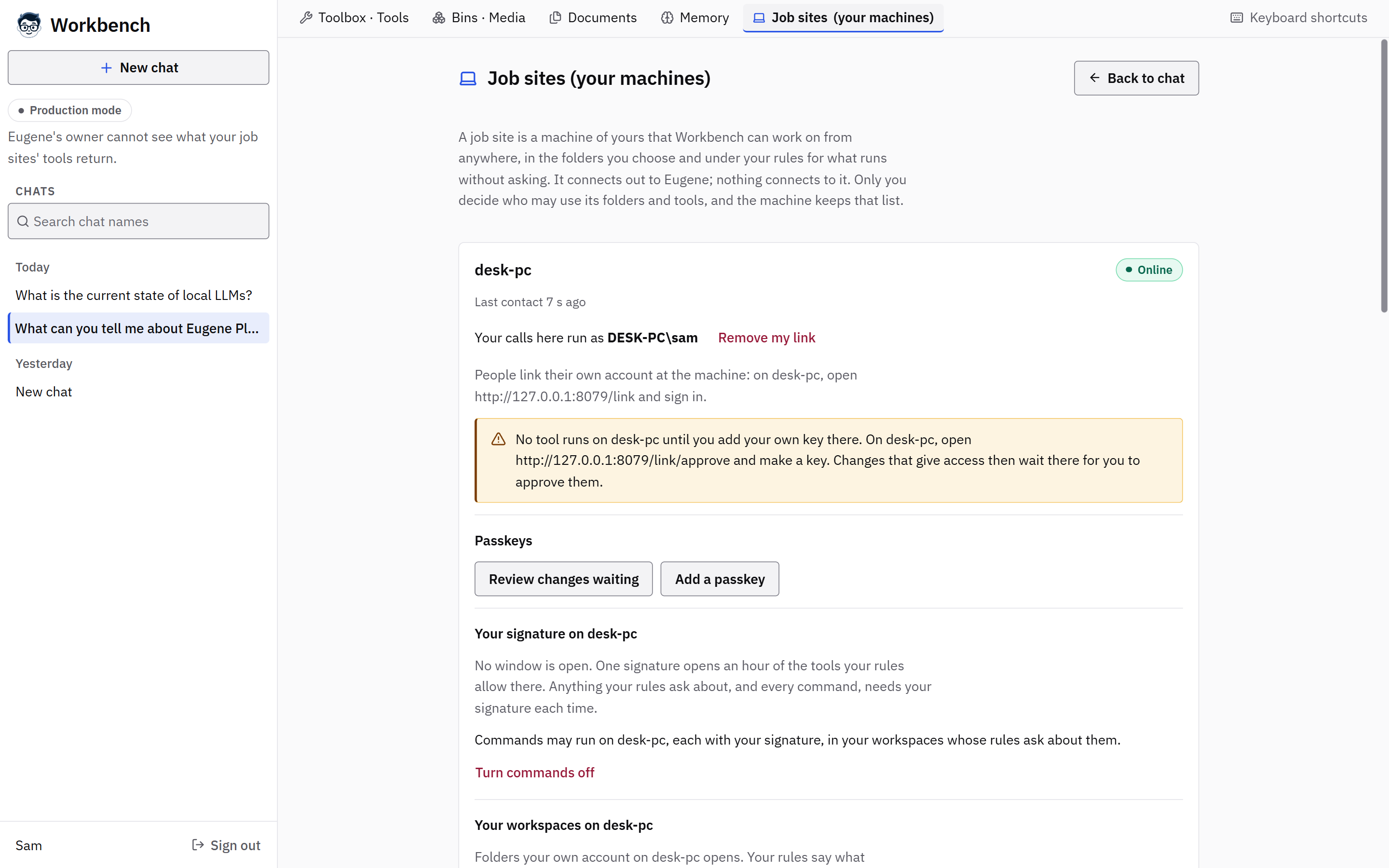
A Job Site lets Workbench work on a person's own computer: its files, its tools and, if allowed, its commands. Nothing on the router needs opening.
Safeguards
It connects out
A machine joins with one command and opens every connection itself. It accepts none, and needs no VPN or cloud service.
Your tools run as you
Each person's tools run as their own account on that machine, in their own workspaces.
Signed by your keys
Calls are signed with keys only that person holds. A command the install’s root forges is held, and never runs.
Risky calls wait
A risky call is held until it is approved, at the machine or with a passkey.
Access closes itself
Access windows close on their own, and commands stay off on a machine until an administrator allows them there.
You can see what ran
Workbench keeps an audit list of the calls made on each site.
Known limits
- Job Sites cannot yet copy between machines.
- A machine that is only a site, without a full Eugene install, is not supported yet.
- On Windows, a call waits until the person signs in to that machine.
- Entra ID and domain accounts, and network shares, are untested.
How we checked
A Windows site joined a root in WSL2 behind a real reverse proxy, and Linux sites run in CI. Each person's calls ran as their own Windows account; a signed command ran as the person, and one the root forged was held and never ran. A passkey approval used Chrome's virtual authenticator; a real phone or hardware key has not been tried. The support matrix has each record.