
Workbench · v0.2.1
Workbench, a local AI chat app
Workbench is Eugene's own chat app. It remembers what you ask it to, answers from your documents with their sources, and runs tools you approve.
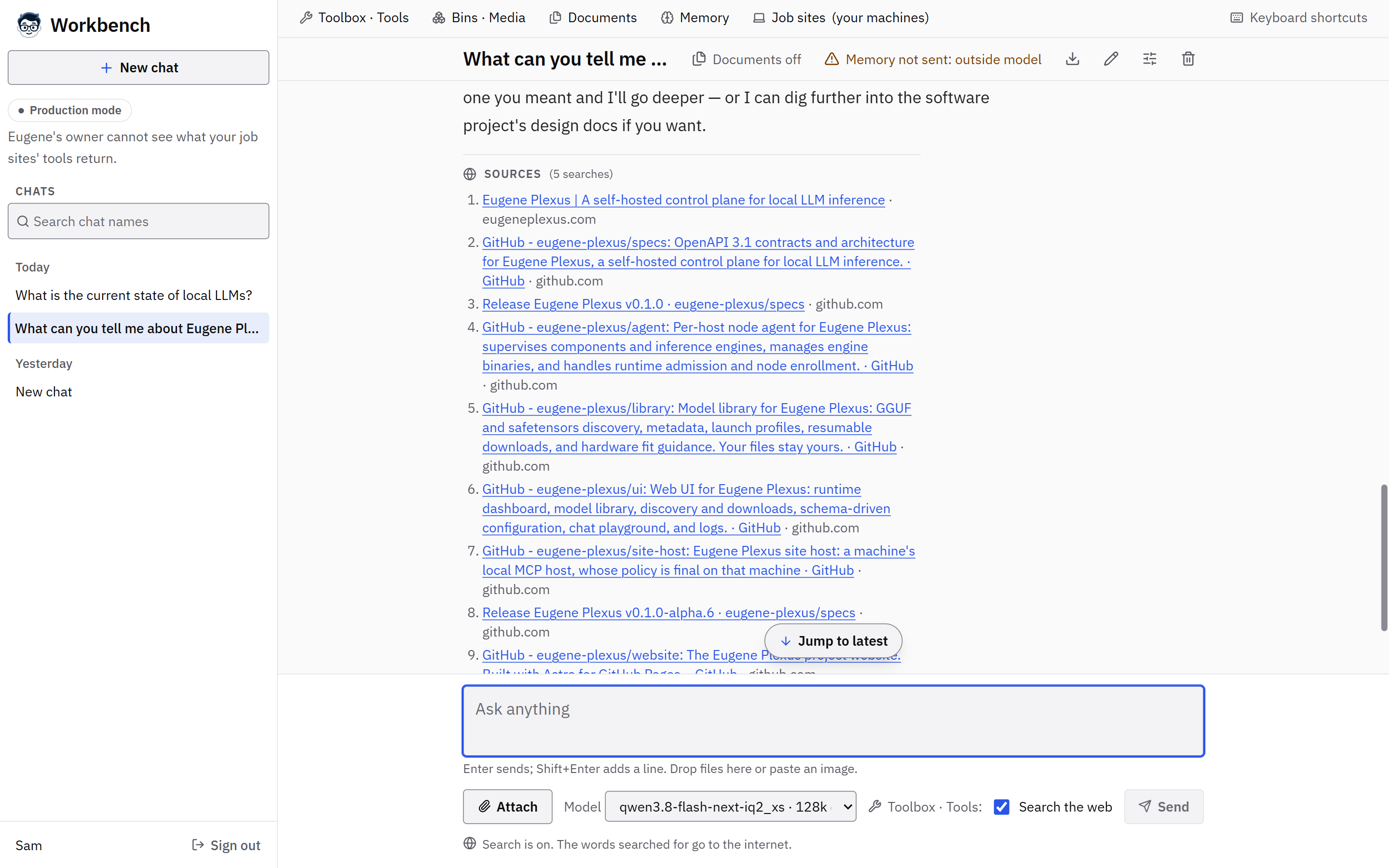
Notes it remembers between chats
Say "Remember that…" and Workbench keeps a note. The Memory page shows every note, exports them, and deletes for real.
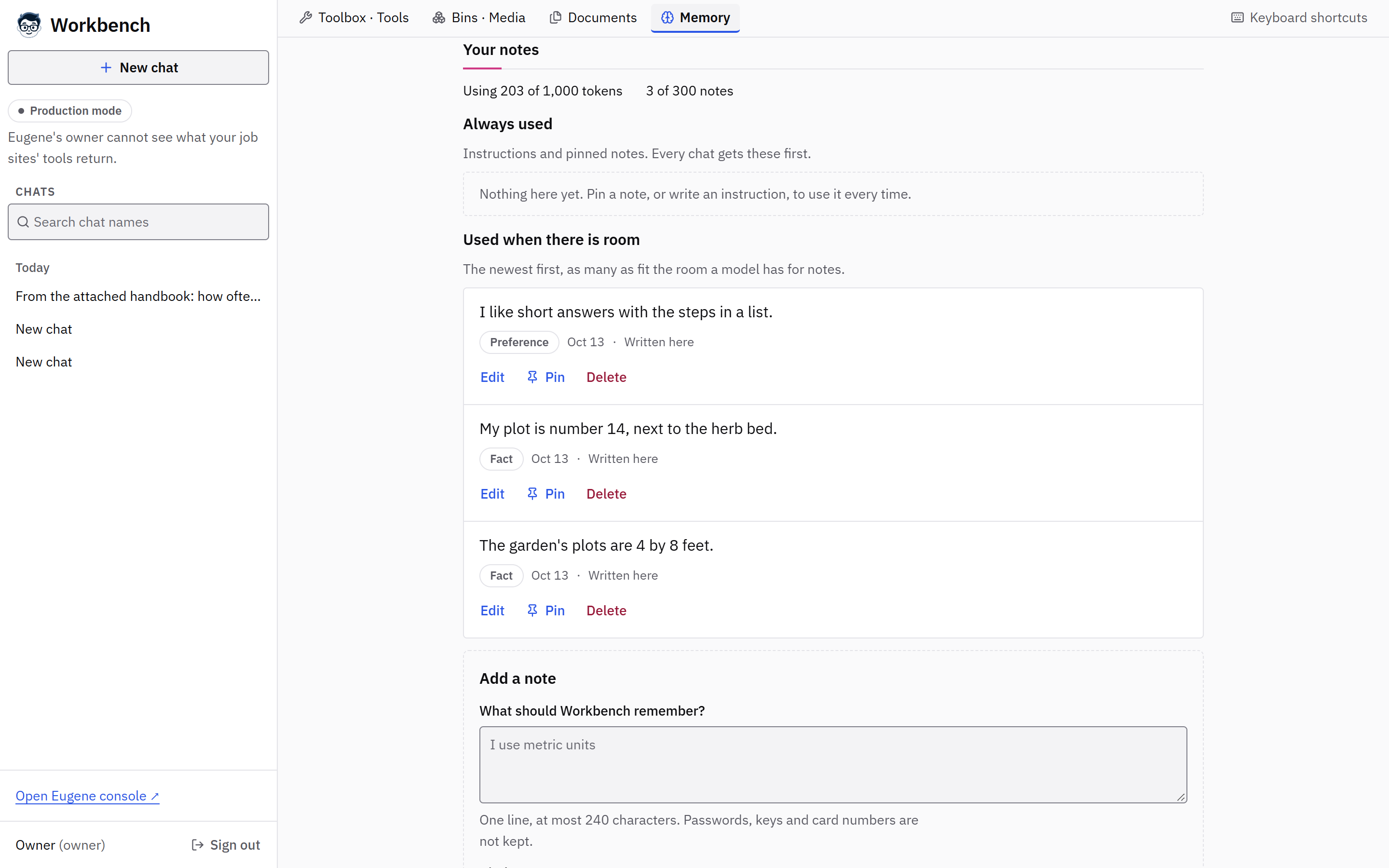
Details
- Each chat shows exactly what it sent the model.
- By default, a model outside your machines gets no notes until you choose Send for this chat.
- Each person's notes are their own.
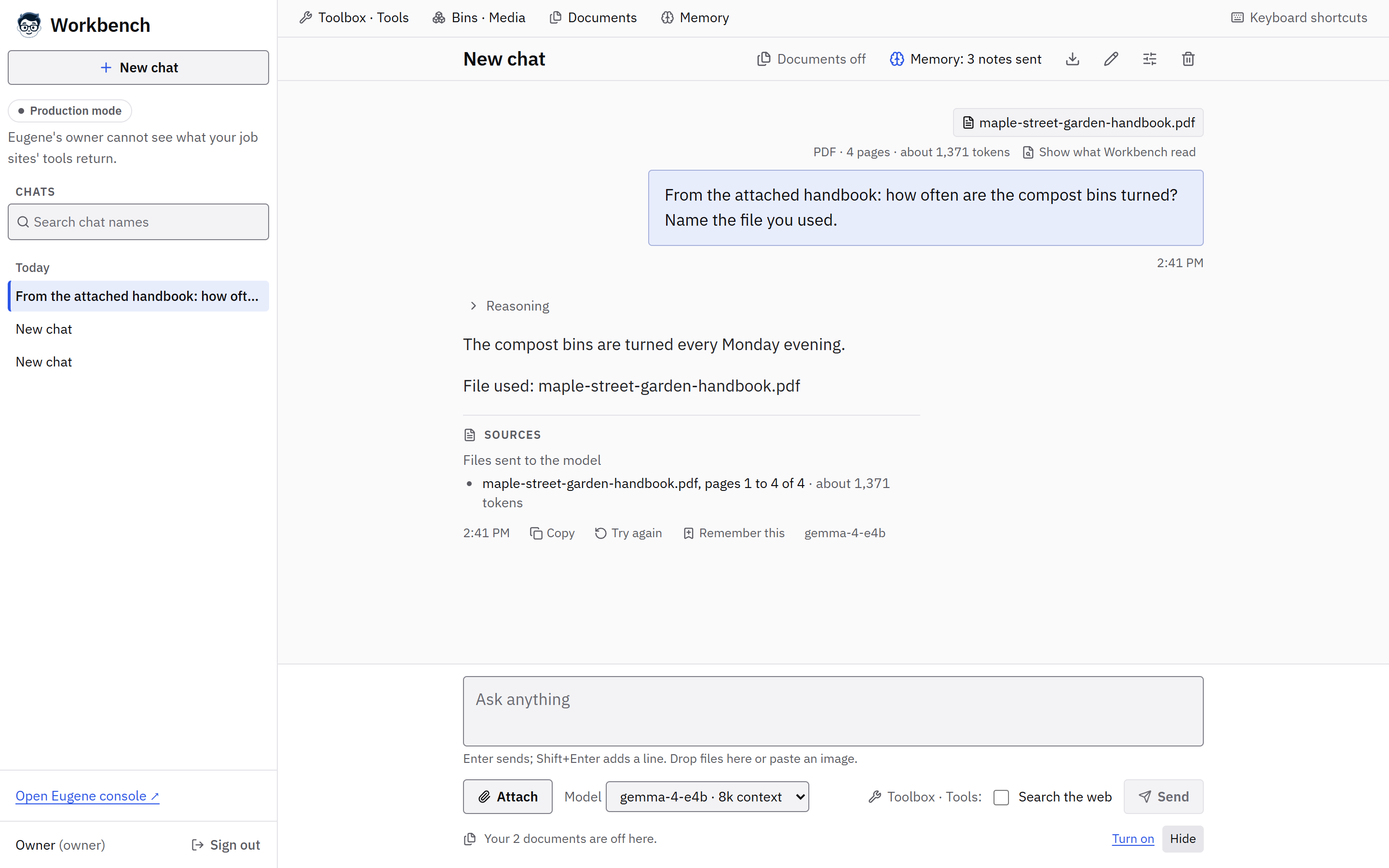
Ask about a file you attach
Attach a PDF, a Word file, Markdown, text, CSV, HTML or code, and any model answers from it. The answer names the files.
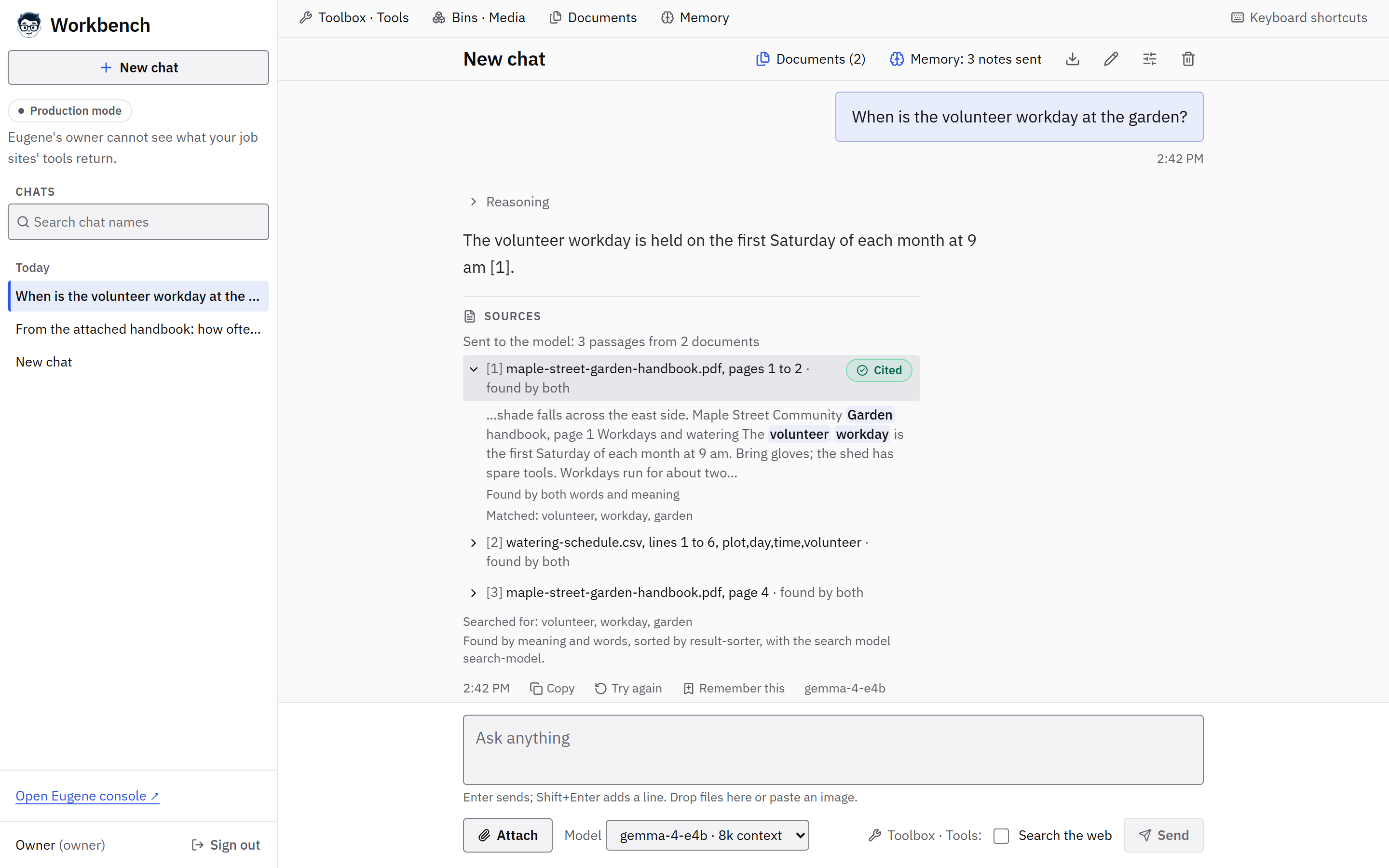
Saved documents and folders
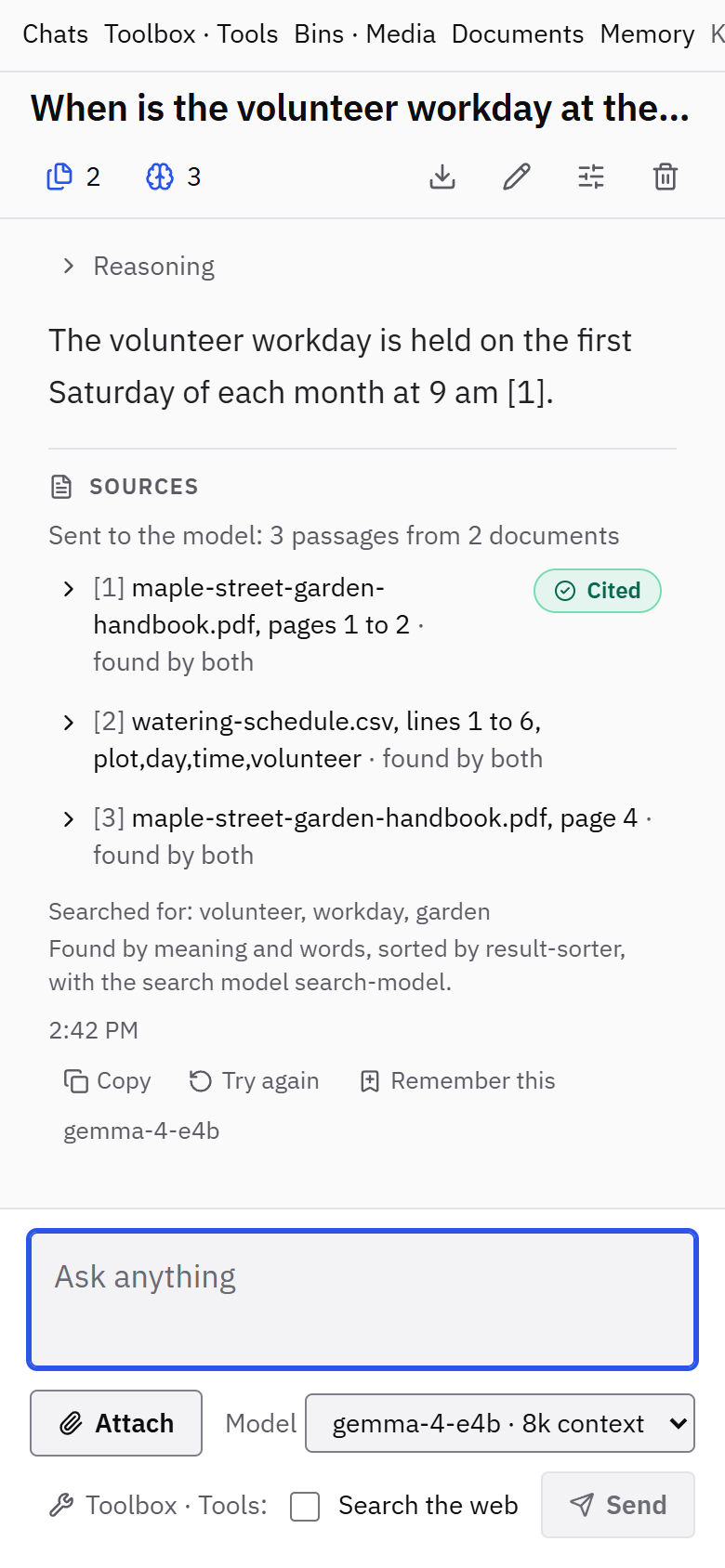
Keep documents, or grant a folder that stays in step, and Workbench searches them by words and by meaning, citing passages by file and page.
Details
- When a fast local result sorter runs, it puts the best passages first.
- A granted folder is checked for new, edited, deleted and moved files every 10 minutes, or when you press Sync now.
- Searching by meaning uses a search model on your own machines, unless the owner allows one outside them.
Known limits
- The sorter’s default Sort time (3 s) suits a GPU, where a question takes about 0.6 s, not a typical CPU, where it takes about 7 s. Its gain was measured on questions written for those documents.
Chat with your documents and PDFs in Workbench Run a local embedding model and reranker
Approve each tool call
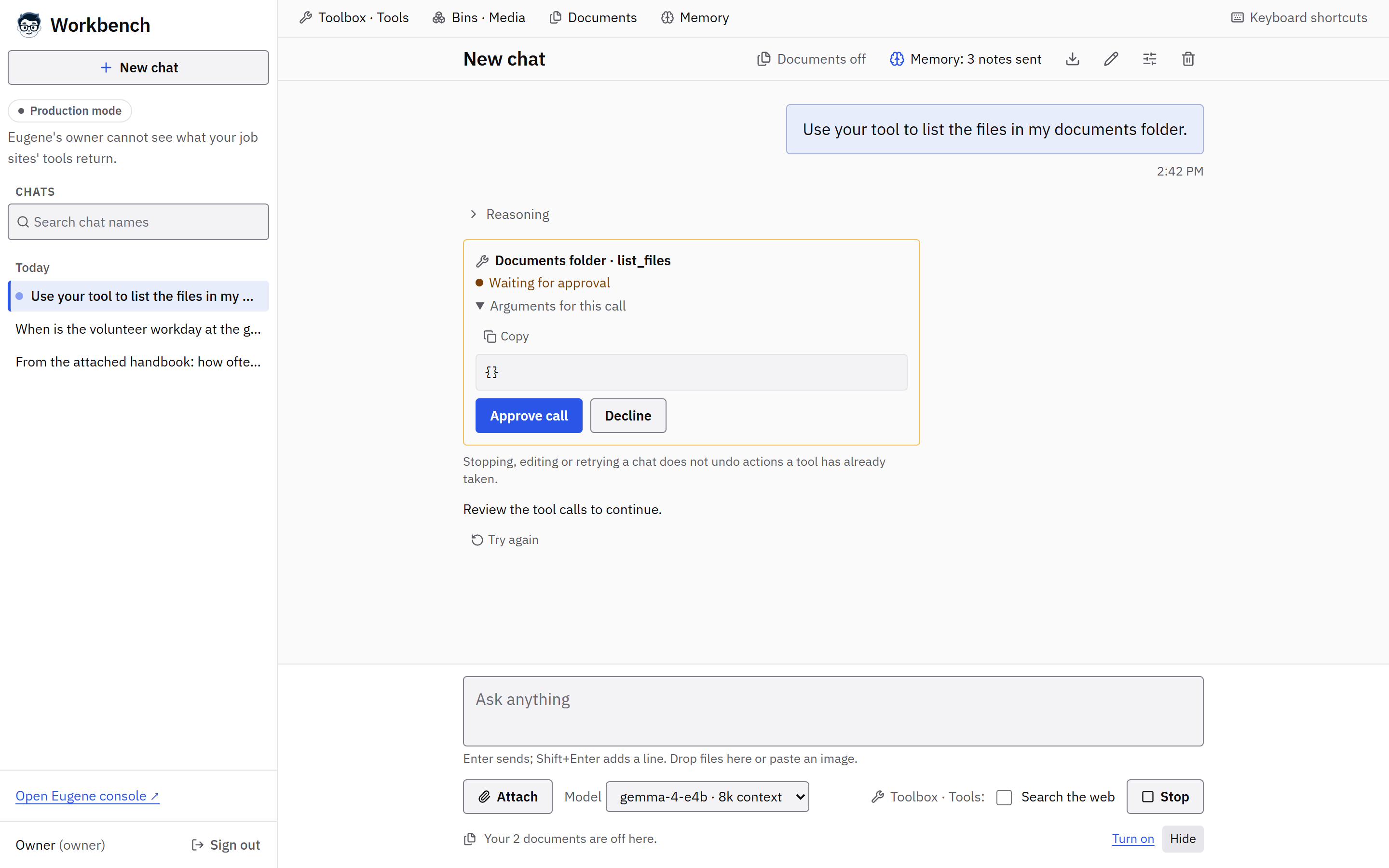
Add shared or local MCP servers and folder tools. Each call waits for your approval in the chat.
Details
- Shared MCP servers for everyone, local servers the owner adds, and folders the owner grants to a named person.
- Each server's command or address, and each folder's path, has a Copy button.
- MCP sign-in (OAuth), resources and prompts are not supported yet.
- For tools on another of your computers, make it a Job Site.
The rest of Workbench
Answer versions, web search with its sources, screens for images, speech, transcription and video, and a chat that reads well on a phone.

Details
- Answer versions: Try again writes a new version of an answer, and every version is kept.
- Web search shows each source's site, plus Google's Search Suggestions, unmodified, when Google searched.
- Search chat names, drafts per chat, dropped files and pasted images, and a full Markdown export.
- Thinking, then Writing the answer, with the backend's own live token count and speed when it reports them.
- While a model works, Eugene works at the bench in short scenes, and holds still for reduced motion.
- You sign in with Eugene, and each person added under People gets their own chats.
How we checked
Memory, documents, saved documents, folders and the sorter each ran with a real Workbench and llama.cpp on the processor, with a small model; a run on the owner's own install is still owed. Tools ran on GitHub's Windows and Ubuntu runners with real service accounts and a scripted model. The image, speech and video screens each ran live once with paid accounts; the owner's install has no such model, so they have not run there. The support matrix has each record.